
.png)
Description
Download iLovePDF – Free Online PDF Editor, Converter & Compressor
Overview
iLovePDF is a browser‑based PDF suite that brings the most common PDF operations to anyone with an internet connection. Whether you need to compress a hefty report, convert a spreadsheet to PDF, merge several contracts into one file, or protect a confidential document with a password, iLovePDF delivers a clean, click‑driven workflow without requiring a heavyweight desktop installer. The platform is free to use, with optional premium plans that unlock unlimited processing, OCR for scanned documents, and team collaboration tools. Because it runs completely in the cloud, the service works on Windows, macOS, Linux, Android, and iOS devices alike—simply open a web browser, drop your file, and let the engine handle the rest. Security is taken seriously: all uploads are encrypted in transit and at rest, and iLovePDF holds ISO‑27001 certification, ensuring that your data meets enterprise‑grade protection standards. While the free tier imposes modest limits on file size and batch operations, it still includes the core toolbox—compress, convert, edit, merge, split, protect, unlock, and repair. This makes iLovePDF one of the most versatile, no‑cost PDF utilities on the market today.
Key Features & Tools
- Compress PDF: Reduce file size by up to 80 % while preserving visual quality, ideal for email attachments or web uploads.
- Convert PDFs: Seamlessly change PDFs to Word, Excel, PowerPoint, JPG, or HTML, and vice‑versa, with accurate layout retention.
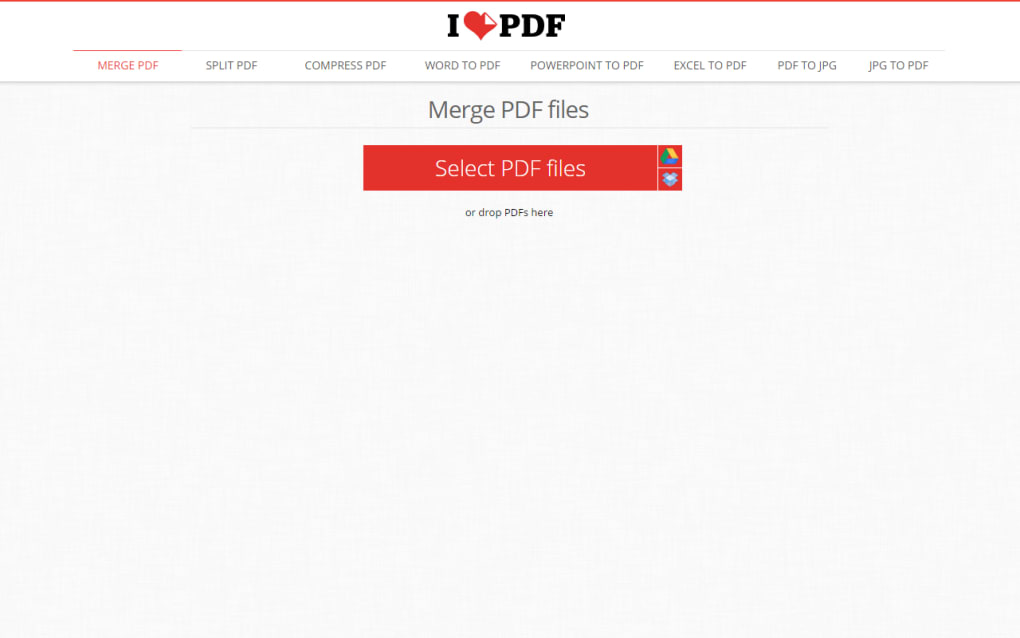
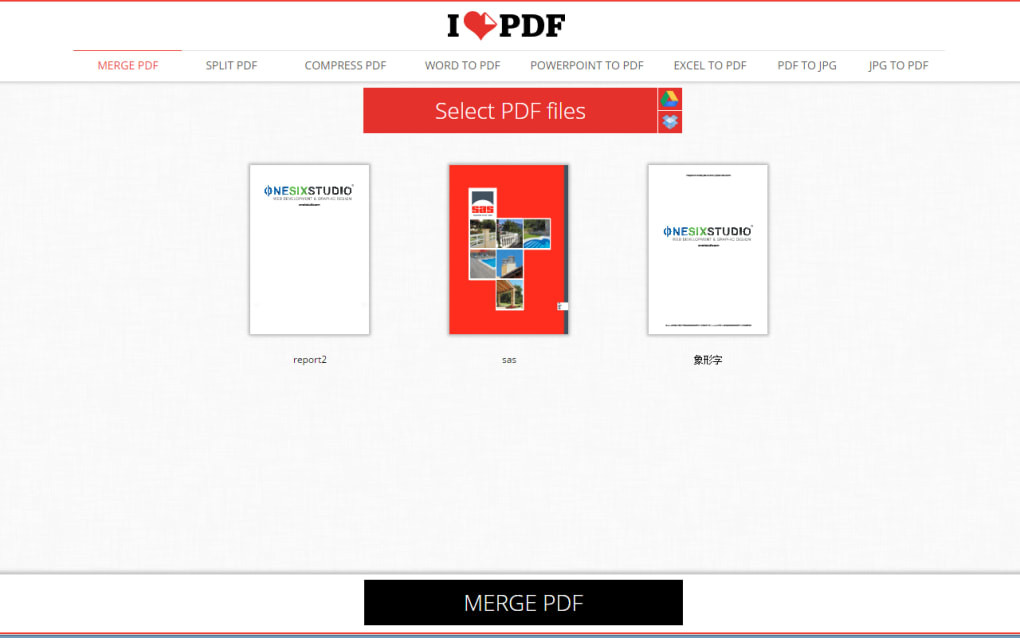
- Merge & Split: Combine multiple PDFs into a single document or extract specific pages into new files.
- Edit PDF: Add or delete pages, insert page numbers, watermarks, and basic text annotations without leaving the browser.
- Rotate & Reorder: Adjust page orientation and rearrange pages via drag‑and‑drop.
- Secure PDFs: Apply password protection, set permissions, or remove existing passwords using the unlock tool.
- Repair Corrupted Files: Recover data from damaged PDFs and restore readability.
- Electronic Signature: Sign documents digitally with a simple click, and request signatures from collaborators.
- Batch Processing: Premium users can process up to 20 files simultaneously, speeding up large‑scale projects.
- HTML to PDF: Convert entire web pages to PDF by pasting a URL, perfect for archiving online content.
All tools share a unified interface that groups actions by purpose—compression, conversion, editing, and security—making it easy for both novices and power users to locate the function they need. The free version provides a generous subset of these utilities, while the paid tiers expand batch limits, file‑size caps, and add OCR capabilities for scanned PDFs.
Installation, Usage & Compatibility
Getting Started
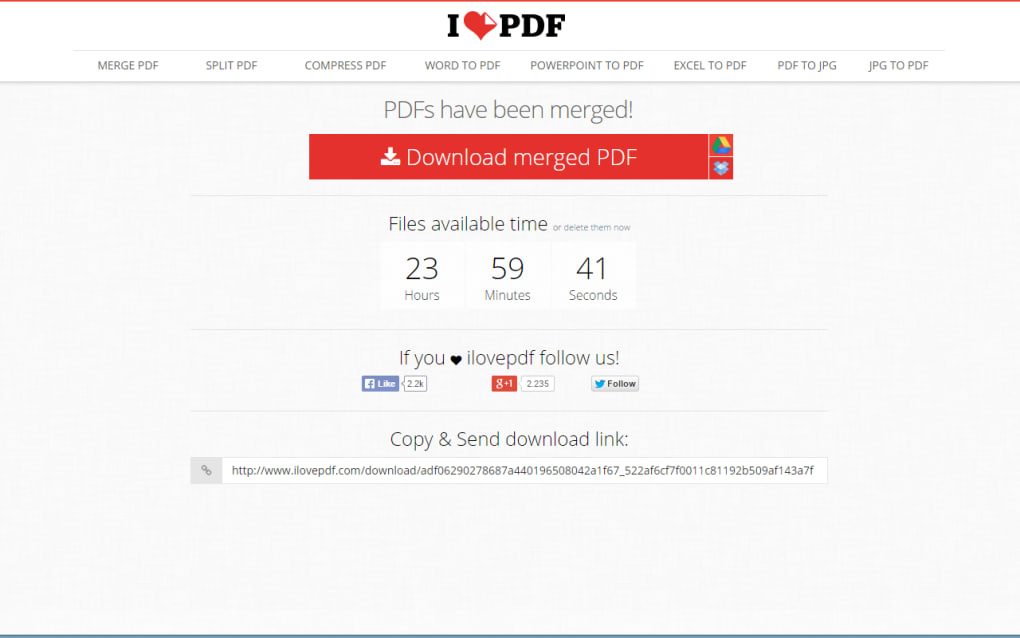
Because iLovePDF is a web‑based service, there is no traditional installation process. To begin, visit ilovepdf.com on any modern browser (Chrome, Edge, Firefox, Safari). The homepage displays a tiled menu of the most popular tools. Click the desired utility, then drag‑and‑drop your PDF or use the “Select PDF file” button to browse your device. After the file uploads, configure any optional settings—such as compression level or watermark text—and press the primary action button (e.g., “Compress PDF”). The processed file appears within seconds, ready for download or direct cloud storage to Google Drive or Dropbox.
System Requirements
iLovePDF runs on any operating system that supports a current web browser, including Windows 10/11, macOS Ventura, Linux distributions, Android 13, and iOS 17. Because the heavy lifting happens on iLovePDF’s servers, local CPU or RAM constraints are irrelevant, making it an ideal solution for low‑spec machines or Chromebook users.
Premium Account Setup
If you need unlimited processing or OCR, create a free account with your email address, then upgrade via the “Pricing” page. Payment can be made with credit cards or PayPal, and the subscription unlocks additional API access for developers who wish to embed iLovePDF functions into their own applications. After upgrading, you’ll notice new options such as “Batch Convert” and higher file‑size ceilings (up to 200 MB per file for premium users).
Pros, Cons & Frequently Asked Questions
Pros
- Fully browser‑based – no downloads, no updates required.
- Generous free tier covering most everyday PDF tasks.
- ISO‑27001 certified security and end‑to‑end encryption.
- Intuitive UI that works consistently across Windows, macOS, Android, and iOS.
- Fast cloud processing; large files handled without taxing local hardware.
Cons
- Free plan limits file size (max 10 MB) and batch processing.
- OCR and PDF/A conversion are locked behind a paid subscription.
- Internet connection required; offline editing not possible.
- Advanced layout editing (e.g., moving individual text blocks) is not supported.
FAQ
Is iLovePDF truly free?
Yes, iLovePDF offers a free plan that includes most core tools such as compress, merge, split, convert, and basic editing. Premium features like unlimited processing, OCR, and larger file size limits require a paid subscription.
Can I use iLovePDF on mobile devices?
Absolutely. The web interface is responsive and works on Android and iOS browsers. Additionally, iLovePDF provides dedicated apps for both platforms, offering the same feature set with native touch‑friendly controls.
How secure is my data when I upload a PDF?
All uploads are encrypted with TLS 1.2+ during transit and stored encrypted at rest. iLovePDF complies with ISO‑27001 standards, meaning your documents are handled under strict security policies, regardless of free or paid tier.
What file formats can iLovePDF convert to and from?
The platform supports conversion between PDF, Word (DOC/DOCX), Excel (XLS/XLSX), PowerPoint (PPT/PPTX), JPG, PNG, and HTML. Premium users also gain access to PDF/A and OCR‑based conversions for scanned documents.
Is there an API for developers?
Yes, iLovePDF offers a RESTful API that lets developers integrate PDF manipulation into their own apps or workflows. API access is included with paid plans and comes with detailed documentation and example code.
Conclusion & Call to Action
iLovePDF stands out as a robust, browser‑based PDF solution that balances ease of use with a surprisingly deep feature set. The free tier already covers the majority of everyday tasks—compressing, merging, splitting, converting, and basic editing—while the premium plans unlock unlimited processing, OCR, and collaborative tools for teams. Its cross‑platform compatibility, strong encryption, and ISO‑27001 certification make it a trustworthy choice for both personal and professional environments. If you’re looking for a hassle‑free way to manage PDFs without installing bulky software, iLovePDF is a top contender. Start your free session today, and consider upgrading if you need the extra power of unlimited conversions and batch workflows.
Overall Rating: 4.5 / 5
Pros: Free core tools, secure cloud processing, intuitive UI, multi‑device support.
Cons: Limited file size on free tier, no offline mode, advanced layout editing unavailable.
Guides & Tutorials for iLovePDF
How to install iLovePDF
- Click the Preview / Download button above.
- Once redirected, accept the terms and click Install.
- Wait for the iLovePDF download to finish on your device.
How to use iLovePDF
This software is primarily used for its core features described above. Open the app after installation to explore its capabilities.
User Reviews for iLovePDF 0
No reviews found




